58,352 award notices were published on Contracts Finder during 2024/25, according to the Public Procurement Review Service progress report for 2024/25. Award notices aren't live tenders, and that's exactly why the number matters. It shows how much procurement data sits behind a portal many users still search by hand, one keyword at a time.
The Contracts Finder API is how you stop reading and start querying. It returns notices as structured records you can store, filter and score, which is the foundation of any monitoring workflow worth running.
It also has two properties that catch people out. The records carry known quality defects, so a clean HTTP 200 can still generate a wrong alert. And after the procurement regime changed, Contracts Finder stopped being the whole picture of UK public procurement. Plan for both from the start and the remaining work is mechanical: tokens, dates, paging, validation.
Contracts Finder API at a Glance
The Contracts Finder API gives you programmatic access to UK public-sector notices, covering open opportunities and awarded contracts from central government departments, local authorities and other government agencies.
The service behind it was redeveloped in February 2015 alongside the Public Contracts Regulations 2015, and the public-sector procurement policy guidance identifies 26 February 2015 as the day the beta service started. That boundary is an integration requirement, not a history note. Notices published before that date are held in a separate archive, so any analysis reaching back past early 2015 runs across two datasets with two extraction paths.
| Feature | Detail |
|---|---|
| Coverage | Opportunities and awarded contracts from central government, local authorities and other government agencies |
| Launch | Redevelopment in February 2015; beta service started 26 February 2015 |
| Archive boundary | Notices published before 26 February 2015 held in a separate archive |
| Download formats | XML and CSV, filterable by date range, contract value and industry code |
| API data format | OCDS JSON via REST endpoints |
| API versions | Version 2 current; Version 1 supported for backward compatibility and deprecated |
| Access model | Public notice data plus restricted organisation-level functions requiring credentials |
Everything in the modern dataset can be filtered by date range, contract value and industry code, then downloaded as XML or CSV when you want a spreadsheet rather than a pipeline. For automation, build on the OCDS JSON route, because it returns releases with identifiers you can persist and reconcile later.
Version 2 is current. Version 1 still works for backward compatibility, but the documentation marks it deprecated, so new integrations should start on V2 and existing jobs should carry a migration plan rather than a vague intention to move.
Rule of thumb: if your question is "which portal should I be querying", start with coverage. If it's "why did last night's job fail", start with tokens and rate limits. If it's "why is this alert wrong", start with validation.
Which Notices Contracts Finder Still Covers After 2025
No. Contracts Finder on its own is not a complete feed of current UK opportunities, and treating it as one is the most common coverage mistake in a new integration.
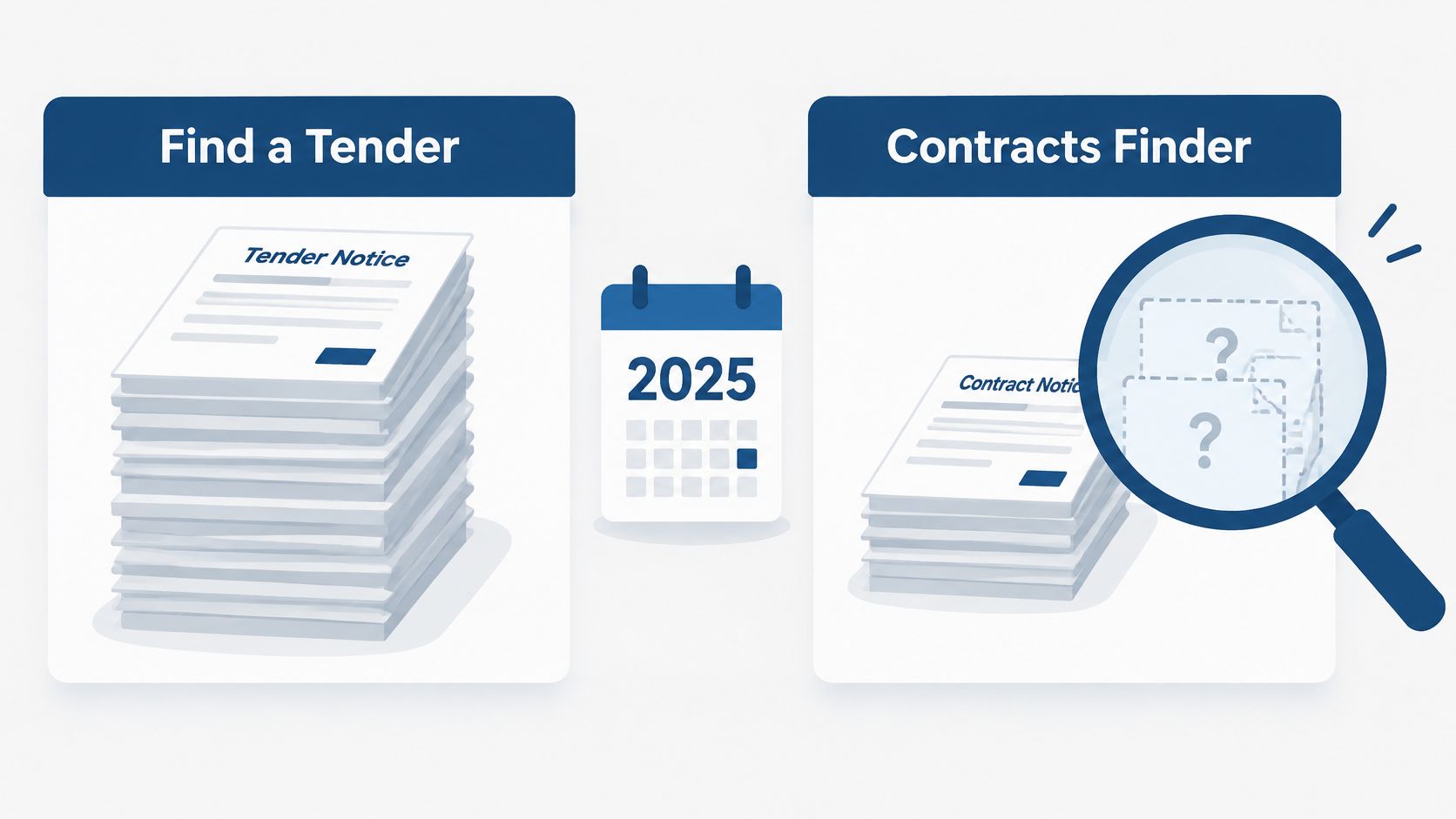
Procurements started on or after 24 February 2025 under the Procurement Act 2023 are published on Find a Tender. Contracts Finder continues to hold legacy procurements and their related award information. The practical consequence is that a date filter and a regime filter are not the same thing, and confusing them narrows what your alerts can see.
What the older rules required
Under the pre-Act regime, above-threshold opportunities generally had to appear on Find a Tender and Contracts Finder, while below-threshold opportunities also had to be published on Contracts Finder in specified circumstances. The guidance on transparency requirements for publishing on Contracts Finder adds a 24-hour rule: where a below-threshold procurement was first advertised elsewhere, it had to be added to Contracts Finder within 24 hours, and the same window applied to above-threshold opportunities once the authority was entitled to publish nationally.
Twenty-four hours is short. A weekly pull that checks a single portal can lose a full day of response time on a live opportunity, and on a short tender that day can decide whether you bid at all.
| Procurement start | Main platform | Contracts Finder role | Monitoring note |
|---|---|---|---|
| Before 24 February 2025 | Find a Tender (above threshold) and Contracts Finder (below threshold in specified cases) | Primary record, including the 24-hour publication rule | Query both portals within the 24-hour window |
| On or after 24 February 2025 | Find a Tender under the Procurement Act 2023 regime | Legacy and award information only | Do not rely on Contracts Finder alone |
| Award and historical notices | Contracts Finder keeps legacy award information | Useful for incumbent and buyer history | Classify as history, not live opportunities |
The date-filter trap
Many integrations use a publication-date filter as a proxy for "new opportunities". A publication date works like a postmark: it tells you when the record was pushed to the portal, not which rules govern the procurement inside the envelope. Two notices returned in the same response can sit under different regimes, so routing on publication date alone will misfile some of them.
Store the procurement start date wherever the notice gives you one, and route each record on that basis rather than on the day it arrived. Where a feed exposes an update timestamp, remember that a changed notice may present as today's date, and that updates can be excluded unless you ask for them explicitly.
Legacy award records still earn their place in your store. They show who holds the work, with which buyer, and roughly when the contract comes up again. Classify them as history, because that is what they are.
Authentication, Tokens and Rate Limits
Public notice search doesn't need a login. Restricted, organisation-level functions do, and they use an OAuth-style client-credentials flow described in the Contracts Finder API V2 documentation.
- Send your credentials. Put your username and password in a Basic authorization header.
- Collect the bearer token. The response includes the token you'll use for everything else.
- Cache it and watch the clock. The documented response returns an
expires_invalue of 3600 seconds, so a token is valid for one hour. - Attach the token to each subsequent request. Renew before expiry rather than minting a new token for every call.
The renewal detail matters more than it looks. An integration that requests a fresh token for each call doubles its request volume for no benefit, which pushes you towards the limit you're trying to stay under.
Limits and what to do when you hit them
Excessive request volume returns HTTP status 403, and after a rate limit is exceeded callers should make no further requests for 5 minutes. That's the whole rule, and it rewards patience rather than persistence.
Practical rule: never retry immediately after a 403. A tight retry loop keeps the integration blocked and fills your logs with noise you'll have to untangle later.
Build a cooldown timer that observes the five-minute pause, then resume. For transient failures that aren't rate limits, use exponential backoff with a ceiling. Keep a log of 403 events with the job name and timestamp, because the next question you'll ask is which job caused it.
Credentials belong in a secrets store, not in source code or a config file committed alongside it. Before any production run, test token renewal deliberately: shorten the cache window, force a renewal, and confirm the job recovers without a human.
A cheap way to prove the whole chain works is a small restricted call rather than a full search. The statistics endpoint is a good candidate, and its documented example response returns 1 draft, 18 published, 3 open, 4 closed, 5 withdrawn and 6 awarded notices, which tells you both that your token works and what the shape of a healthy payload looks like.
Endpoints and Parameters You Need
The core call is GET /Published/Notices/OCDS/Search, which returns published notices as OCDS releases. The OCDS search implementation guide documents its filters for publishedFrom, publishedTo and procurement stages, with results ordered by publication date.
| Endpoint | Purpose | Key parameters | Notes |
|---|---|---|---|
GET /Published/Notices/OCDS/Search |
Search published notices as OCDS releases | publishedFrom, publishedTo, stages | Ordered by publication date; one procurement can produce several releases |
| Draft notices statistics | Counts of notices by status | None required | Returns draft, published, open, closed, withdrawn and awarded counts |
| Countries method | Returns the valid country values | None required | Country filters must use these values |
| Version 1 methods | Legacy access for backward compatibility | Match the V2 equivalents | Deprecated; plan migration to Version 2 |
Choosing parameters that survive production
Use bounded publication-date windows rather than open-ended queries. A window you can describe out loud ("last Tuesday to Monday") is a window you can rerun, debug and reconcile, which matters the first time a run looks light on results.
Persist the returned release identifiers and OCIDs as you collect them. One procurement can produce several OCDS releases as it moves from tender to award, so treat the release as an event and the OCID as the thread that ties events together. Without that split, awards look like fresh opportunities.
Two rules catch people who hard-code their own values. Country filters must use a value from the API's countries method, so don't invent or abbreviate country codes. Email addresses in registration fields must follow a standard pattern, and a malformed one produces a failed submission rather than a helpful error.
Watch the page size. The OCDS search implementation caps a page at 100 releases, so a busy week will span multiple pages. Paginate until the window is fully consumed instead of assuming one response is the whole story.
Version 1 methods are documented for completeness only. Treat them as a migration task with a deadline rather than a supported alternative.
Finish with a practical check borrowed from every reliable client you've ever written: run the narrowest possible query first, confirm the shape of the response, then widen the window.
Working With OCDS Releases and Date Formats
Date handling is where careful integrations separate from hopeful ones. The Contracts Finder API documentation sets out the accepted formats, and the rules are simple once you've seen them written down.
| Format | Example | Use it for |
|---|---|---|
| YYYY-MM-DD | 2014-01-29 | Date-only publication filters |
| YYYY-MM-DDThh:mm:ss | 2014-01-29T15:09:00 | Combined date-time values |
| YYYY-MM-DDThh:mm:ssZ | 2014-01-29T15:09:00Z | UTC timestamps, where Z means GMT |
| YYYY-MM-DDThh:mm:ss+01:00 | 2014-01-29T15:09:00+01:00 | British Summer Time values |
Combined values follow YYYY-MM-DDThh:mm:ss, and 2014-01-29T15:09:00Z means 3:09pm on 29 January 2014. The API works in UK local time: Z indicates GMT and +01:00 indicates British Summer Time.
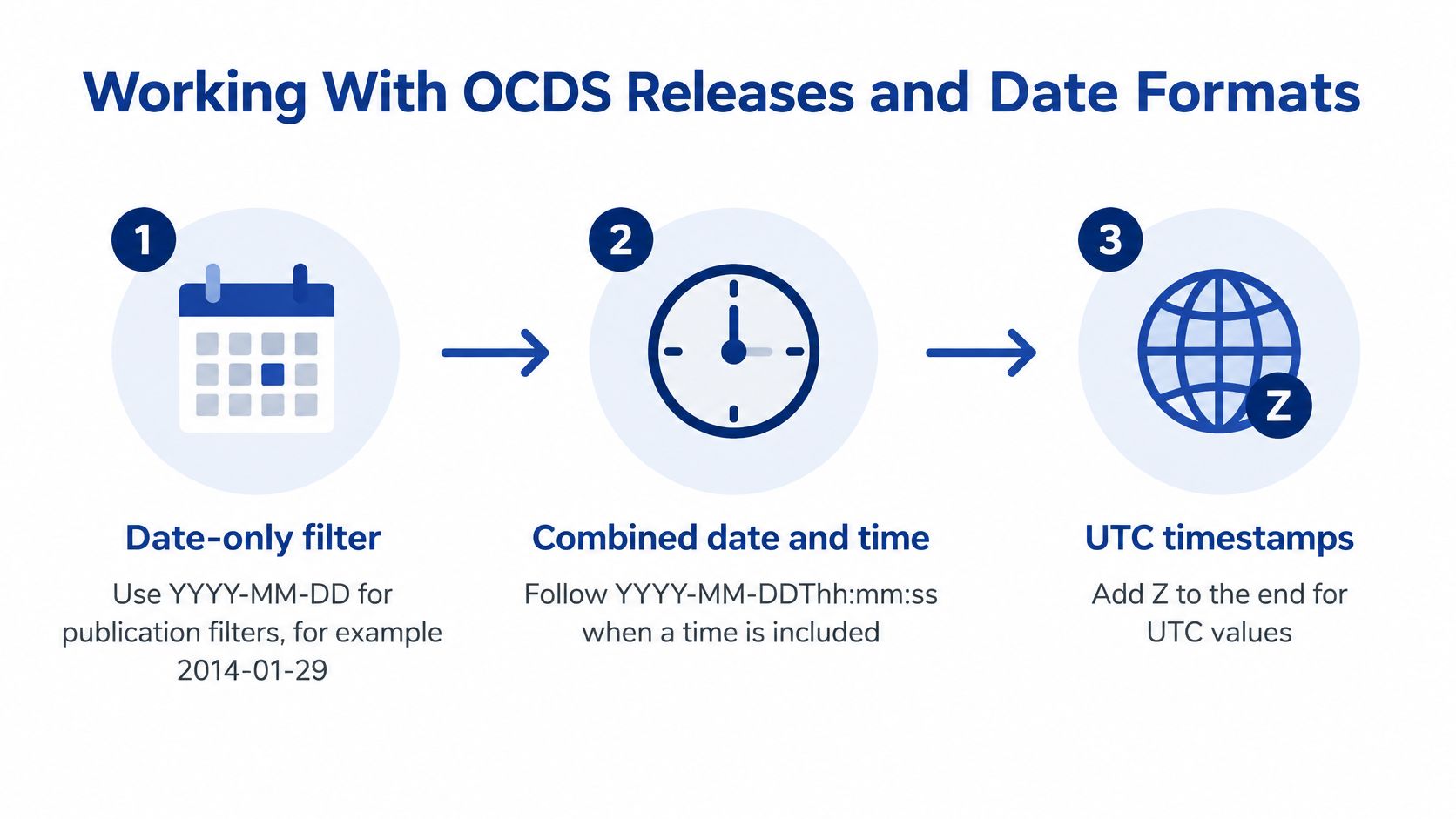
That seasonal offset is not pedantry. If you filter deadlines, publication dates or award dates across the clock change without accounting for it, a deadline can shift by an hour and an alert can arrive after the window closes. Normalise what you store to UTC, keep the original string alongside it, and convert for display only.
A page loop that doesn't lose records
- Pick a bounded window measured in publication dates, not in wall-clock time.
- Page until exhausted. Keep requesting the next page until the window is consumed.
- Store the release identifier and the OCID for every record you accept.
- Upsert idempotently. Reruns are normal, duplicates are not.
- Link each release event to its OCDS record so amendments and awards reconcile against the original notice.
A single procurement produces several releases over its life. The tender, the amendment and the award share an OCID, so reconcile them as one story rather than filing each as a new opportunity.
The payoff is analytical, not just architectural. Once releases hang off a shared record, you can see when a deadline moved, when a value changed, and which supplier won, without re-reading the notice by hand.
Pulling One Week of Notices
Here's the whole weekly run, in the order a working job does it.
- Confirm access. Run a small restricted call to check your token is live. Discovering an expired credential after a 40-minute pull wastes the morning.
- Open a seven-day window. Something like
GET /Published/Notices/OCDS/Search?publishedFrom=2026-11-16&publishedTo=2026-11-22, with astagesvalue from the documented list. - Page to the end of the window. Continue until the last page comes back short or empty, not until the first response looks big enough.
- Persist as you go. Write each release identifier and OCID to storage on arrival, upserting so a rerun changes nothing.
- Route by regime. Anything whose procurement started on or after 24 February 2025 belongs to the Find a Tender regime, so send it there rather than treating it as a Contracts Finder lead.
- Flag suspect records. A blank supplier name or an implausible date goes to a review queue, not into an alert.
- Write a run log. Window dates, release count, pages fetched, 403 events, flagged records. When a run looks wrong, this is the first file you open.
Latency isn't a technical nicety. Find a Tender's notice type guidance records that a qualifying planned procurement notice can reduce the minimum tendering period for an above-threshold contract to 10 days, against 25 days where electronic submission is permitted and all associated tender documents are supplied with the notice. A two-day lag in a ten-day window is a fifth of your response time gone before anyone reads the requirement.
That's the argument for daily monitoring rather than a weekly sweep, and it's the argument for reading the notice where it was published. A feed that never misses a record but delivers it a week late is a feed that loses bids.
If you'd rather see what a filtered, regime-aware view of these notices looks like before you build one, the tender monitoring use cases are a reasonable place to compare against your own requirements.
Data Quality Problems and How to Validate Records
A successful API response can still produce a commercially misleading alert. That's the sentence most integration guides leave out, and it's the one that decides whether your monitoring workflow is an asset or a liability.
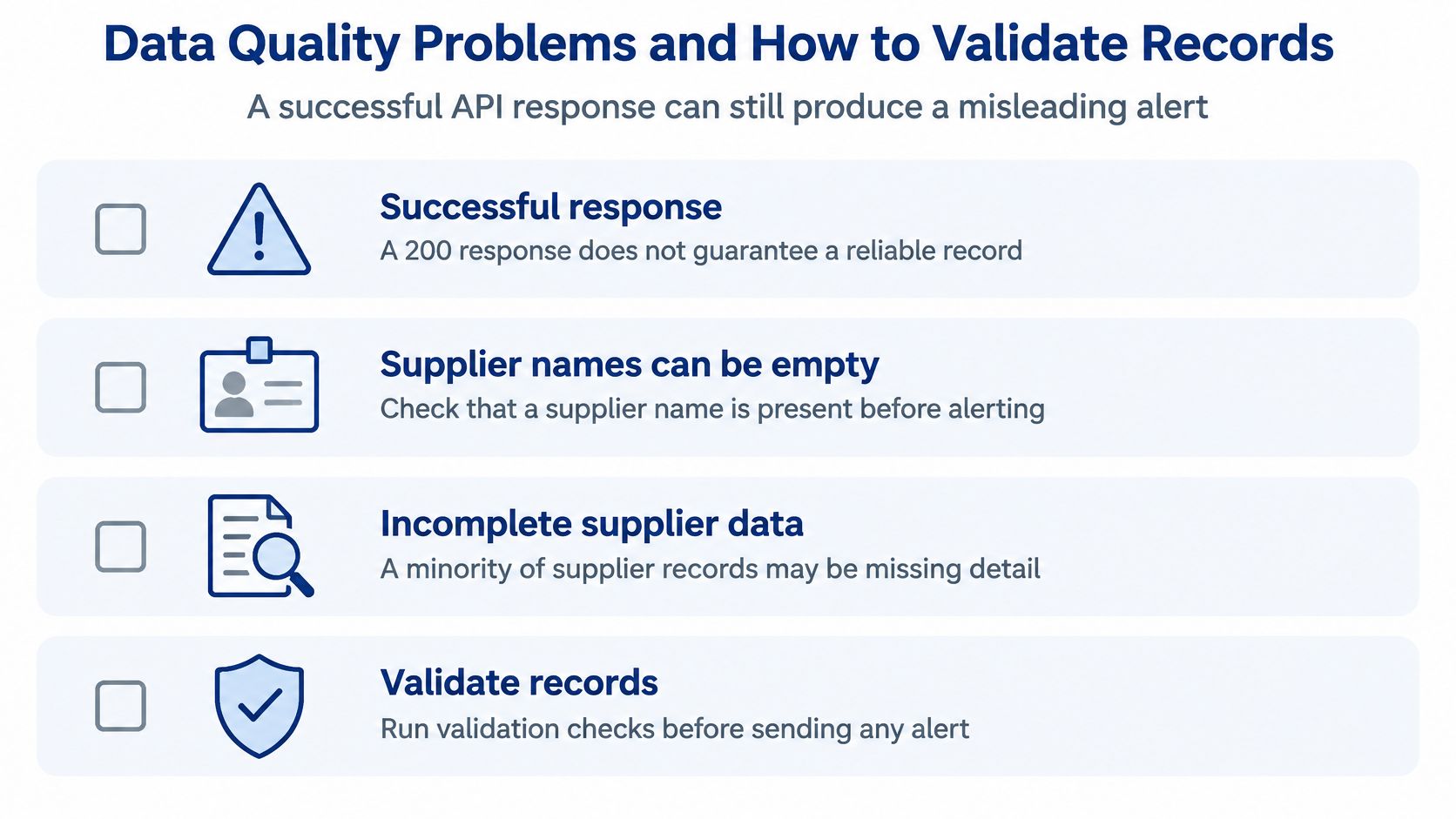
The Open Contracting Data Registry entry for Contracts Finder documents the specific problems: supplier names can be empty, a minority of suppliers share the same identifier, multi-supplier awards may retain only one supplier, some dates are unrealistic, and some document links are inaccessible to external users. None of these are cosmetic. Each one can produce incorrect incumbent analysis, duplicate or missing award histories, or false assumptions about when a contract expires.
| Field | Known issue | Validation check |
|---|---|---|
| Supplier name | Can be empty | Flag blank names before any alert |
| Supplier identifier | A minority of suppliers share the same identifier | Match on identifier and name together |
| Multi-supplier awards | May retain only one supplier | Cross-check against the published award notice |
| Dates | Some are unrealistic | Flag dates outside a plausible range |
| Document links | Some are inaccessible to external users | Test links and keep the raw notice |
Build the validation layer, not just the client
Treat identifiers, supplier names, dates, values and document URLs as probabilistic fields. They're usually right, and occasionally wrong in ways that look entirely plausible, which is worse than an obvious failure.
Keep the raw notice alongside your parsed record. When someone challenges a figure six months later, the original payload is your evidence, and re-fetching it may not be possible if the notice has since been amended.
Record amendments as events rather than overwriting the previous state. A changed deadline is a fact about the procurement, not a data-entry error to erase.
Give every record a quality score and route the failures to a review queue instead of an inbox. Cross-check high-value awards against the published notice or the buyer's own source before they influence a bid decision.
Automation doesn't remove procurement-data risk. It scales whatever assumptions you've built into the pipeline, including the wrong ones, so quality scoring belongs in the first version rather than the third.
The blank-supplier case is the one that bites hardest, because the award still has a value, a date and a buyer, so it looks complete in a dashboard. A bid team reading it assumes the field was left out by mistake. A bid team reading a shared buyer record knows the entry was checked once, by a person, and can trust the rest.
Related Portals, Standards and Where They Overlap
A Contracts Finder feed on its own misses work. Procurements that started on or after 24 February 2025 are published on Find a Tender, so the regime split decides which of the two portals leads for any given notice. Public Contracts Scotland, Sell2Wales and eTendersNI carry opportunities from Scottish, Welsh and Northern Irish public bodies, each with its own registration and alert setup. Treat them as distinct sources to query, because assuming the national feed has absorbed them leaves gaps a weekly pull will never surface.
The Open Contracting Data Standard is what makes a multi-portal pipeline tractable. A shared schema means one parser can handle releases from several sources, provided you map each portal's fields carefully, and that mapping is where the effort lies. The same registry that documents Contracts Finder's known defects is the reference point for the gaps a validation layer has to catch, so read it before writing a mapper rather than after the first bad record reaches an inbox.
Three mechanics carry over to every source you add:
- Search parameters, especially bounded publication windows and stage filters, transfer directly to portals with similar query models.
- Token handling applies anywhere credentials are required, including expiry checks and cooldown behaviour.
- Date formats matter even more across feeds, because combining systems is where timezone assumptions surface.
The habit of scoring records before trusting them applies well beyond procurement. A team asking how SignalVan judges prospect data runs the same two questions your pipeline runs on a notice: does the record exist, and how much weight can it carry in a decision.
Teams that want to test fit before committing to a schema can start with the free procurement tools, which cover tender readiness, framework eligibility and cost-to-respond. That is often the quicker route to deciding which sources a pipeline needs to watch.
Decide Whether to Build or Use a Monitoring Platform
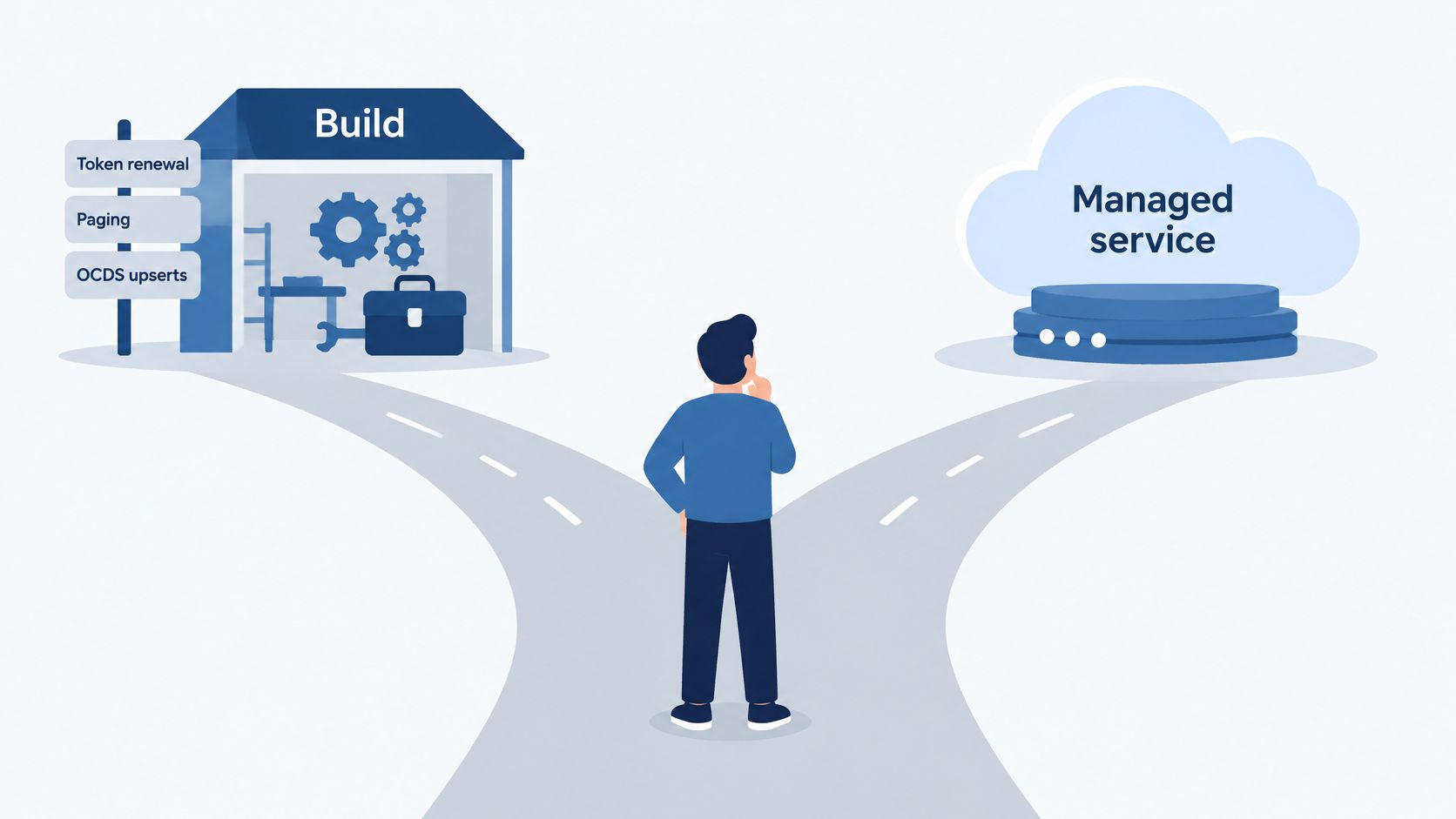
Build it yourself if engineering time can own token renewal, paging, OCDS upserts, regime-aware queries and validation, and if that ownership survives staff changes. Use a managed service if those jobs would land on people who do not write code and will not maintain a scheduler.
The honest test arrives at 7am on a Monday, when a run returns 403 and the person who wrote the client is on leave. Data quality has the same ownership question: somebody has to decide which records are trusted enough to alert a bid team, and somebody has to recheck that decision after the 24 February 2025 regime split changes which portal carries which notice.
Five checks before you commit, each of which you have now seen in context:
- Regime coverage. Does each query know which regime it is asking about, using the 24 February 2025 boundary rather than a publication date?
- Token lifecycle. Are caching, renewal and the five-minute cooldown after a 403 handled without a human?
- Window discipline. Are publication windows bounded and paginated to the end, or is one page treated as the whole week?
- Validation. Is there a review queue between parsing and alerting, or does every release reach an inbox unchanged?
- Storage. Can you replay raw releases, parsed fields and accept or reject decisions for one week without guessing what changed?
If you go the platform route, ask to see failed-run behaviour, the regime split, the validation queue and evidence of portal overlap. A Contracts Finder API client that leaves those areas ambiguous gives you a search box with an API behind it.
Bidwell's approach is worth measuring against those five checks. The Discover stage watches every UK tender portal, matches tenders by CPV code, keyword, region and value, and emails only the tenders that fit; tender discovery is an add-on at £10 a month. The knowledge base holds your credentials, past responses and case studies, and Bidwell matches case studies and team CVs to each opportunity automatically, so drafting starts from material you already maintain. For the writing itself, the bid writing software generates a first-pass response from that same material.
If you would rather spend your week responding to tenders than maintaining a client that pages through OCDS releases, Bidwell watches every UK portal and surfaces tenders matching your sectors, frameworks and CPV codes, with your credentials, past responses and case studies kept in a reusable knowledge base. You can see how the monitoring, knowledge base and AI response generation fit together, and compare it against the five checks above, at Bidwell.