
The usual advice is to shortlist knowledge base software by how polished its public help centre looks, or by whether it has AI on the box. That's the wrong test in practice. The job that matters is duller: keeping reusable content, the ISO certificates, case studies, security answers and old bid responses, in a state where someone can find the right version in under a minute.
Most knowledge bases don't fail because the software is bad. They fail because nobody owns the content, nothing expires, and search results slowly fill with answers that were true two years ago. You can measure whether that's happening, and the practical tests in this guide to measuring knowledge base effectiveness are worth running before you buy anything.
So here are 10 tools, judged on that one job rather than on how good the output looks. Some are built for public documentation, some for internal wikis, and some for the messy middle where bid teams live. Pricing, trade-offs and the teams each one suits are below.
1. Document360
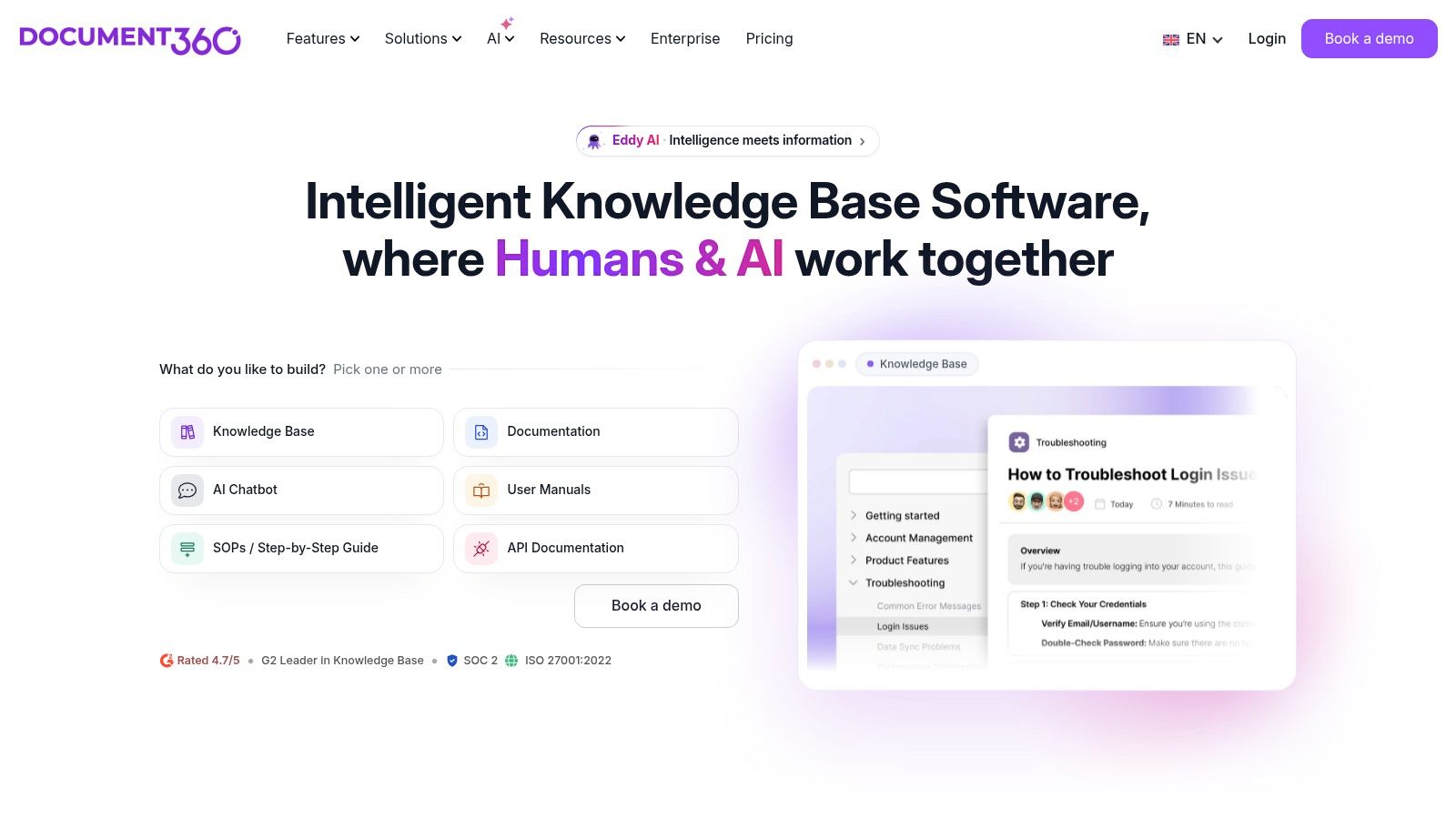
Document360 is built for one thing: publishing documentation that other people are allowed to see, in a state you've signed off. If your current setup is a shared drive where twelve people can overwrite the approved wording, that's the problem it solves.
Article history lets you restore an earlier version when someone edits over the approved text. Review and approval workflows mean a draft has to be signed off before it goes live. Separate projects let you keep a customer-facing help centre apart from an internal library, so a search on one doesn't drag in the other.
The case for paying for that control is strongest where information is expensive and scattered. The UK Government's State of Digital Government Review reported around £26 billion of public-sector technology spending in 2023 and estimated £45 billion to £87 billion a year in savings and productivity benefits going unrealised, with 47% of central-government services still lacking a digital pathway. Much of that gap is information nobody can find or reuse.
Where it doesn't fit: a five-person team with forty documents. You'll pay quote-based pricing for workflow you won't use.
Pricing is quote-based with a free trial, so you can't compare it on a spreadsheet until sales gets involved. Current plans are on Document360's site.
2. KnowledgeOwl
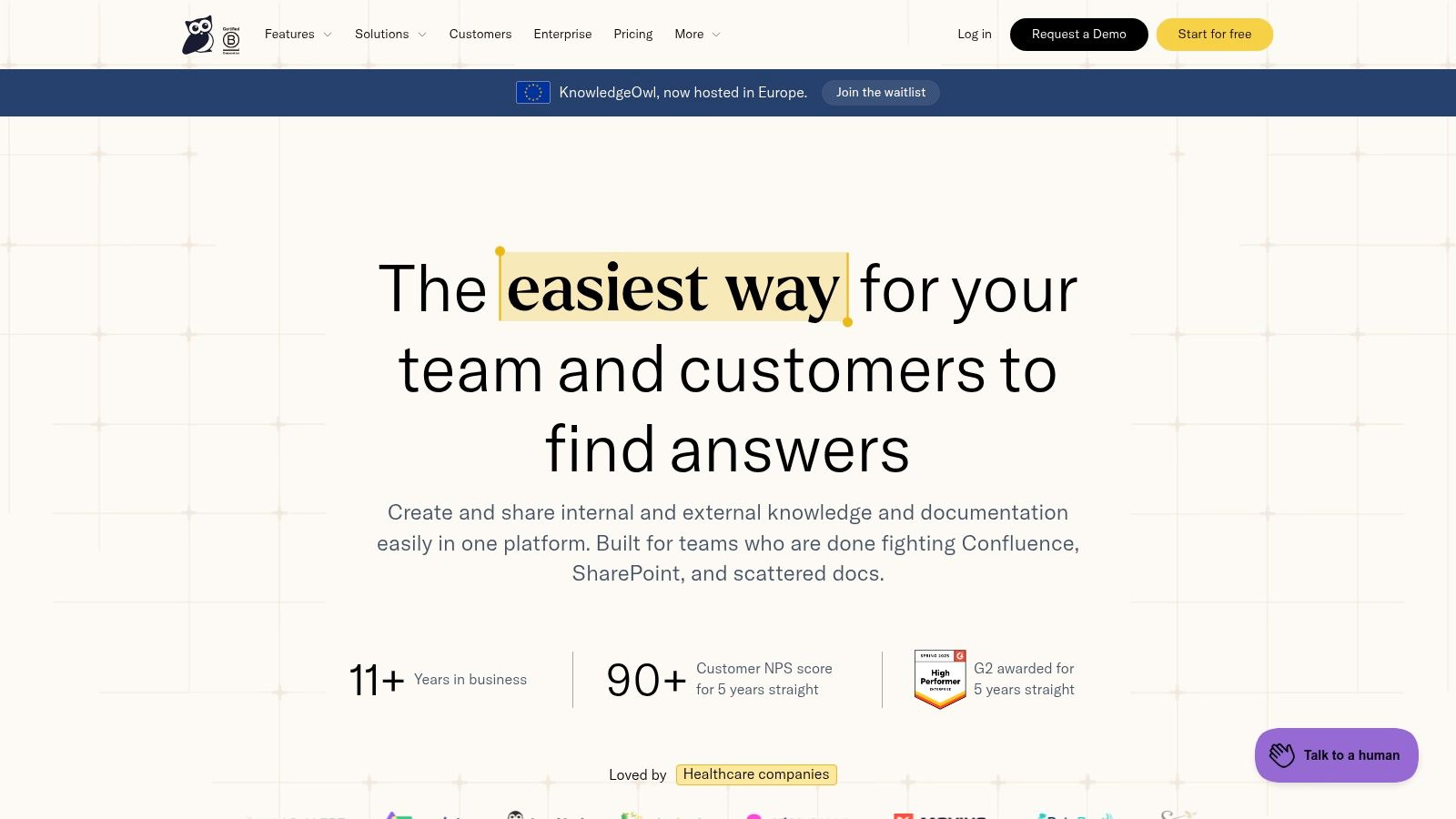
KnowledgeOwl hosts a knowledge base on your own domain and lets you keep internal and external spaces apart. That split is a bigger decision than it sounds. The UK Business Data Survey 2024 found that 21% of businesses handling digitised data analysed it to generate new insights, and only 14% shared data outside their organisation. Many teams haven't fixed internal reuse, so a branded customer portal is usually the second project, not the first.
- Published tiers: Basic is listed at $100 a month for one author and one knowledge base, with Pro and Business listed at $250 and $500, per KnowledgeOwl.
- Unlimited readers: you pay per author, not per person reading the page, which suits a support or bid library with a handful of writers.
- Migration and theme help: vendor onboarding support saves a week if you're moving years of content.
Thirty days of trial is enough to test the thing that matters: can a colleague find a specific answer in three clicks without being told where it lives? If they can't, extra author seats won't fix it.
The cost objection is real for a team of two. One author seat at $100 a month, with additional authors and knowledge bases pushing it up, is a lot for a library only one person maintains.
3. HelpDocs
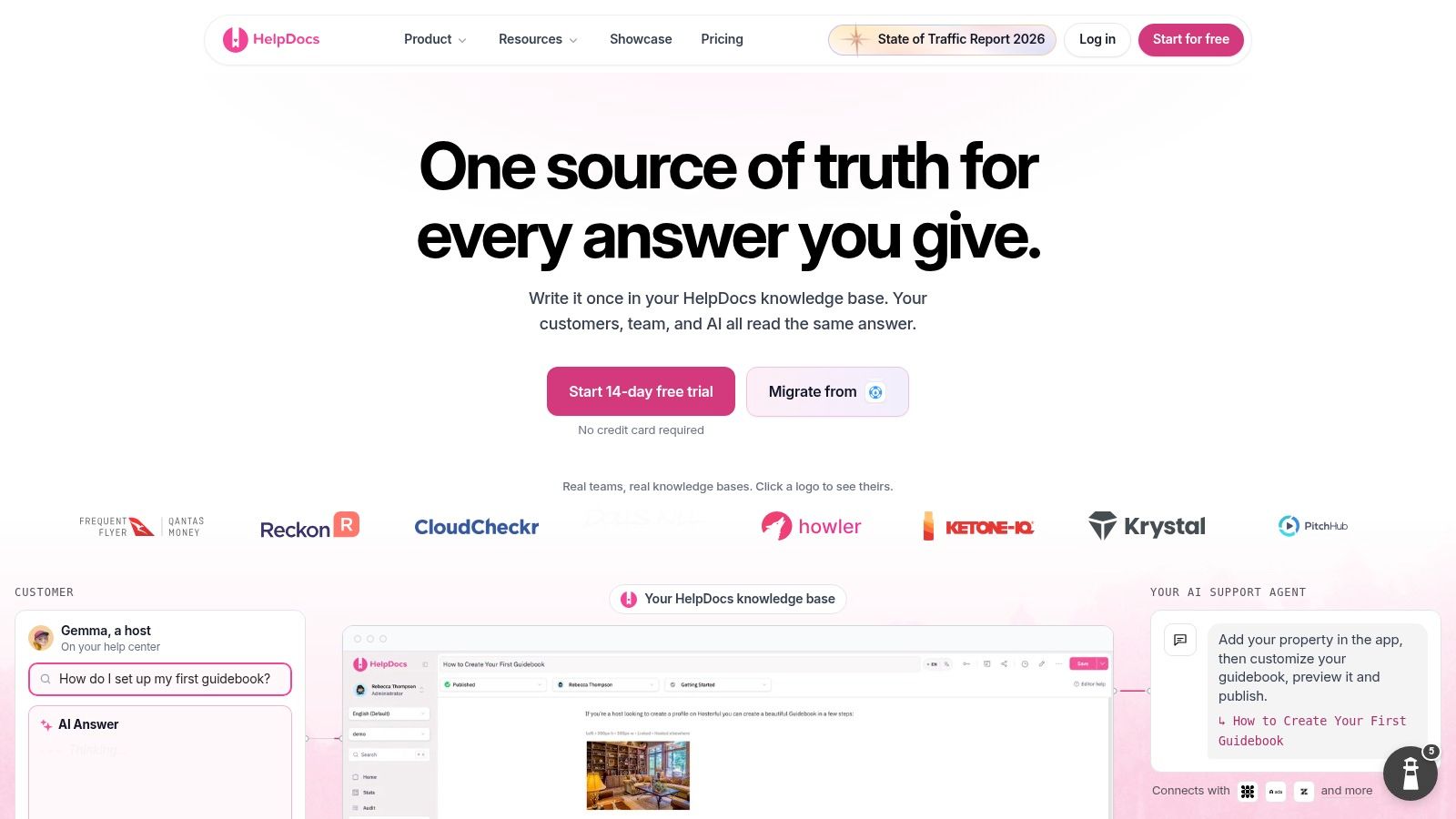
A help centre lives or dies on its search box. A University of Manchester study of managers and decision-makers using knowledge-management systems tied user satisfaction to ease of use, accessibility and friendliness, and flagged the mental fatigue that heavy system use creates, as set out in the Manchester research portal. If readers must learn your taxonomy before they can find a password reset, the design has failed.
Workplace software frustrates people routinely, and the cost lands on the searcher rather than the person who picked the tool. That cuts both ways for reusable content: a bid writer hunting a case study and a customer hunting a setup answer want the same thing, one verified page found fast.
HelpDocs is listed at $129 a month, or $99 a month billed annually, with a 14-day trial on HelpDocs. Self-serve pricing means you can test search quality on your own content before talking to anyone.
- Public readers aren't priced as seats: you're charged for editors, not for the customers reading.
- AI drafting and editing is included, which speeds up first drafts of repetitive FAQ copy.
- Built for public help centres: a private internal repository is a workaround layered on a public-first design.
As a customer-facing FAQ portal it earns the subscription. A reusable library of bid answers, policies and accreditations is a different job, and HelpDocs's access model was designed for readers, not for gating sensitive internal content.
4. Helpjuice
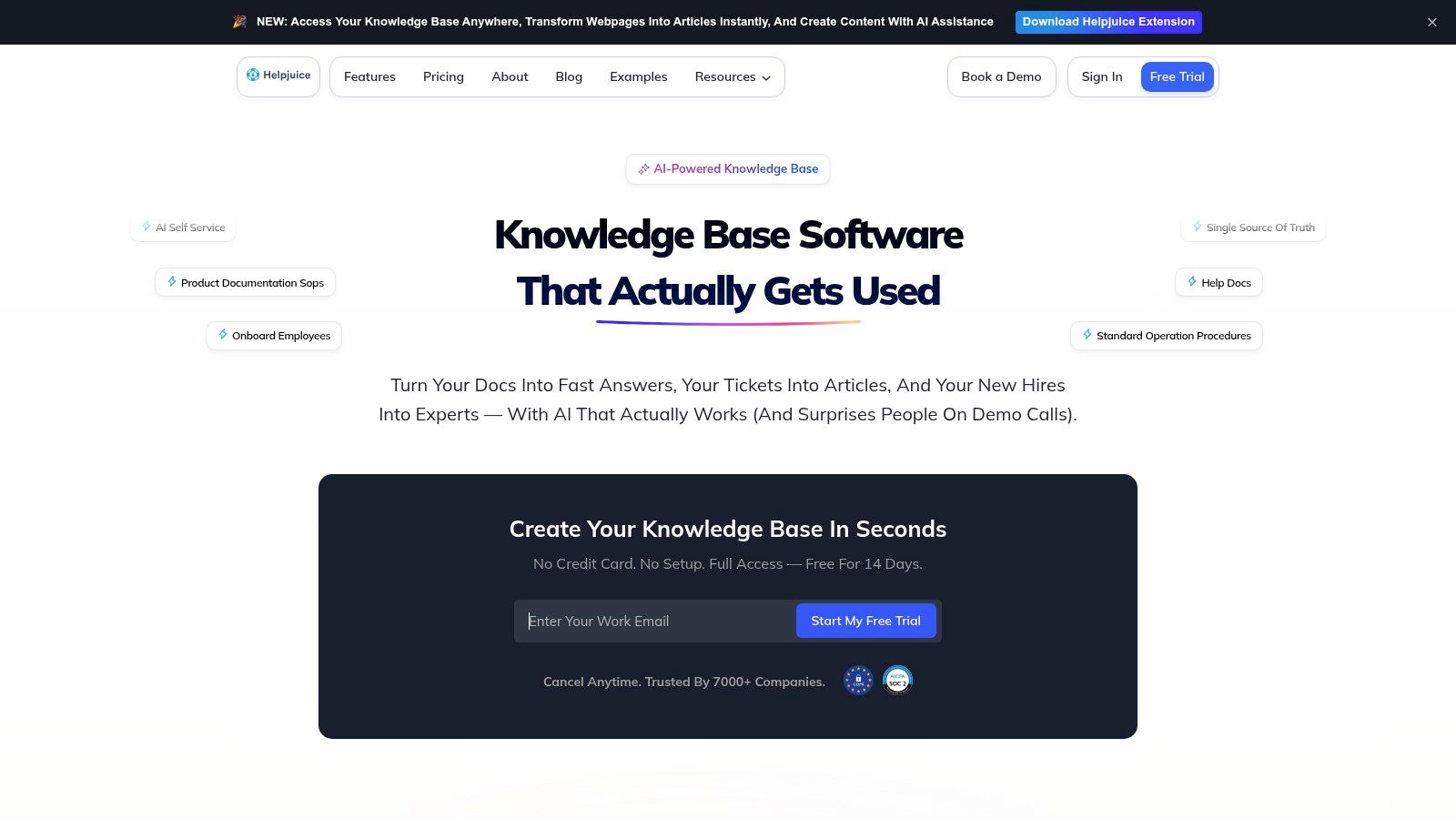
Plans start at $249 a month for 30 users, with higher tiers at $449 and $799 and a 14-day trial, per Helpjuice. That prices it above most of this list, so the question is what you get. Design customisation is the honest answer: the vendor advertises hands-on help making the portal look like your brand, plus localisation and AI-assisted translation.
AI features are the part I'd slow down on. Buying a drafting tool doesn't create the judgement to check what it writes. The UK government's AI adoption research found only 16% of businesses use at least one AI technology, 60% cite limited AI skills or expertise as a barrier, and 80% raise ethical concerns. Those are staffing and policy problems, and no feature list solves them.
- Search, analytics and version history are standard across plans, which is the minimum for a library people trust.
- Real-time collaboration and workflows help when three people contribute to the same answer.
- User limits vary by tier: check the author count against your team before comparing prices.
Extensive theming is worth paying for if the portal is customer-facing and part of the brand. It's dead weight on an internal evidence library that eight people use.
5. KnowledgeBase.com
This is the cheapest way on the list to get a real help centre live. The listed price is $59 a month, or $49 billed annually, for one knowledge base with unlimited articles and seats, and a 14-day trial, per KnowledgeBase.com. If four people write and forty read, the maths works.
The gap is governance. UK business data for 2025 to 2026 shows that only 17% of AI-using businesses reported having an AI policy or guidelines, and just 5% had a formal written policy, according to the UK Business Data Survey 2026. Switch on AI drafting over customer-facing content without that policy and you've built a publishing pipeline with no editor.
A knowledge base with AI drafting and no approval step is a faster way to be wrong in public.
- Flat published pricing makes it the easiest tool here to budget for.
- Unlimited seats suits teams where half the office contributes occasionally.
- One knowledge base at the base price: extra bases cost more, so a separate internal library isn't free.
- Lighter editorial governance than Document360, and some customer-experience claims on the site rest on a vendor survey.
6. Slab
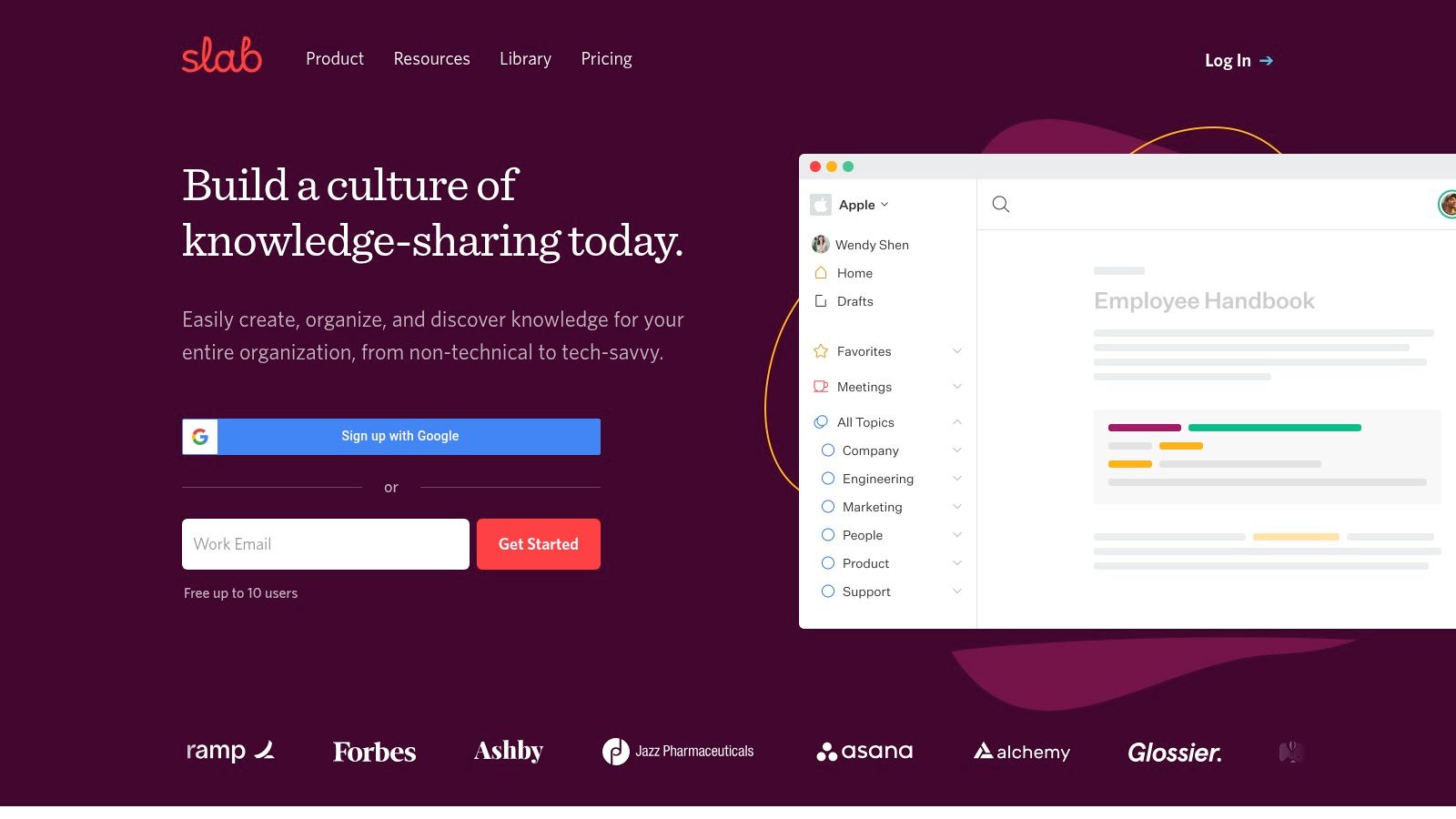
Slab is an internal wiki and doesn't pretend otherwise. Free for up to 10 users, then Startup at $6.67 per user a month billed annually and Business at $12.50, per Slab. For a library of reusable answers, credentials and lessons learned, that's the right shape of tool.
The UK Government's Research and Innovation Workforce Survey 2024 found 72% of UK research and innovation workers cited knowledge sharing as a key output. Sharing is the work, not a side effect of it. A wiki nobody writes to is a cost with no output.
Content verification is the feature I'd test hardest, because it's the difference between a library and a graveyard. Posts carry a verification state, so you can see which answers someone has checked recently. Unified search across posts and topics beats a folder tree every time.
Where this pays for itself is the recurring questionnaire. The same 40 security questions arrive with every tender, and the answers change once a year at most. Writing them down once, dated and owned, is the same discipline behind fast security questionnaire responses. Teams needing heavy compliance workflows should validate the controls during the trial rather than assume them.
7. Notion
Notion does the job if you build the structure yourself. A free plan lets you test it, Plus is US$10 per member a month and Business is US$20, per Notion. Databases hold a register of certificates with expiry dates, pages hold the long-form answers, and a relation field ties an answer to the evidence behind it.
Whether that structure survives a busy team is a management question. The ONS analysis of management practices and technology adoption found 69% of UK firms used cloud-based computing systems in 2023 against 9% using artificial intelligence, and that 88% of firms in the top management-practice decile had adopted at least one technology from a group including cloud, AI and specialised software, against 51% in the bottom decile. The tool doesn't supply the discipline.
A flexible workspace with no named owner produces five versions of the same answer inside a quarter.
It's why teams weighing up Loopio alternatives tend to ask about ownership and expiry dates before they ask about the editor. On Notion, that means one person accountable for the register and a review date on every record that can go stale. Paid plans are per member, so costs climb as readers get added.
8. Confluence
Free for up to 10 users, with Standard and Premium priced by user count and billing, per Confluence. Spaces and page trees hold policies, playbooks and project knowledge, and page versioning is there when someone edits the wrong page.
If your delivery team lives in Jira, this is the least-friction option on the list. That's the whole argument, and it's a strong one.
The bid-specific warning is worth knowing. PPN 017 allows buyers to add an AI-disclosure question to the Invitation to Tender, covering AI used for individual tender questions or proposed service delivery. A wiki page with no named author and no review date is weak evidence when that question arrives.
Keeping bid content where every answer points back to a source document is a different job from team documentation, which is what bid writing software with a citation trail is for. For a second opinion on the platform itself, Comredix software comparison ratings are worth reading before you commit.
9. Help Scout
Docs comes attached to a shared inbox, and that's the appeal. A customer asks the same question for the fifth time, you write the answer once, publish it, and link it next time. A free plan includes one Docs site, Standard starts at $25 per user a month, and extra Docs sites are $20 a month billed annually, per Help Scout.
The catch is that Docs isn't sold standalone. You're buying a support platform and using part of it. For a team already answering customer email, that's sensible. For a bid team wanting an internal evidence library, you're paying for an inbox you won't open.
- Recurring questions become articles: the workflow from conversation to published answer is short.
- Collections and categories give structure without a separate taxonomy project.
- One product for conversations and content: agents don't switch tools mid-reply.
Customer support orientation is the limit. There's no evidence-governance model here, so expiry dates and approval states are your problem to manage outside the tool.
10. Intercom
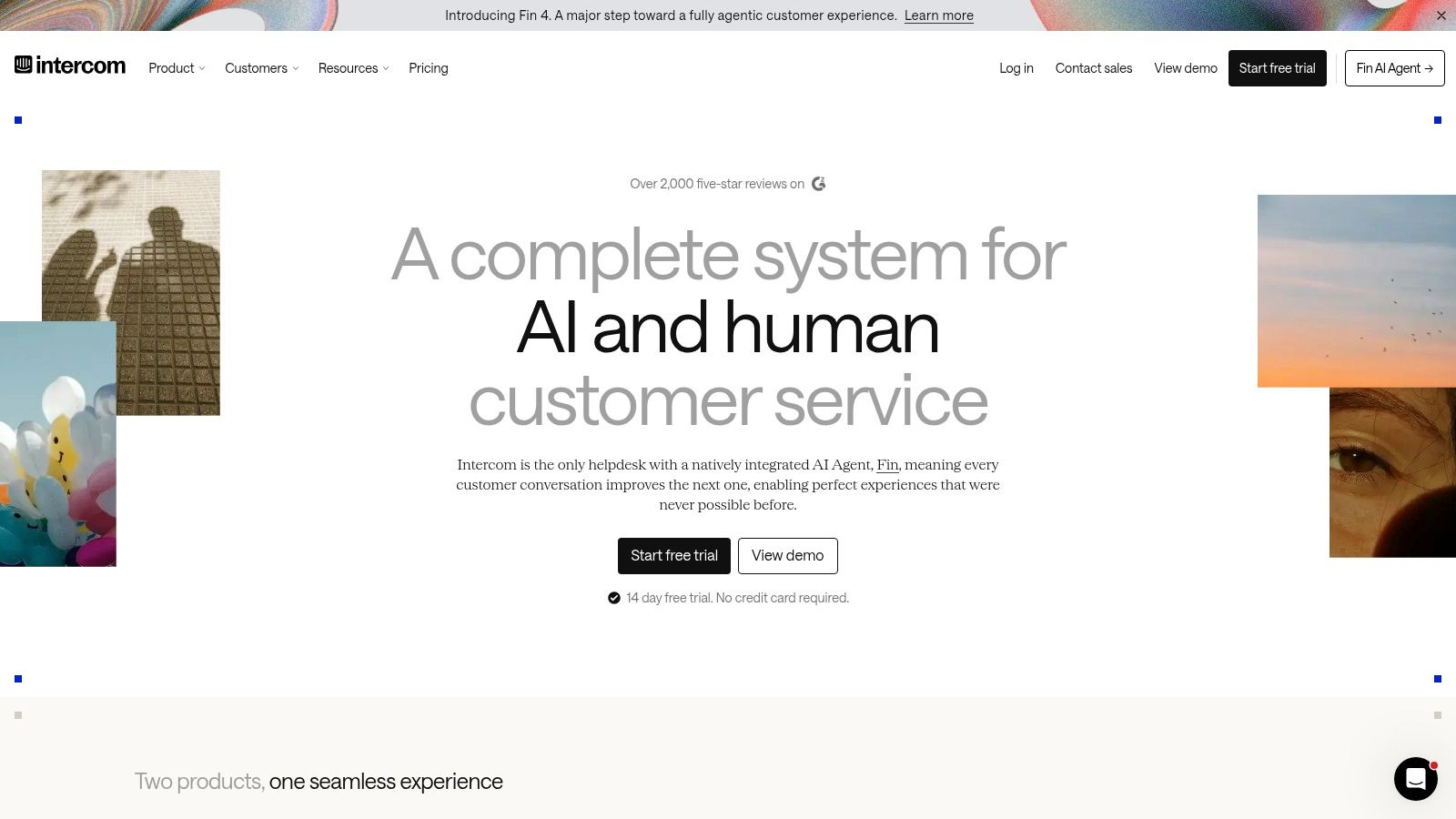
Essential is listed at $19 per seat a month for new customers plus $0.99 per Fin outcome, with higher plans at $85 and $132 per seat a month, per Intercom. The outcome pricing is the interesting bit, because it charges for answers that resolve something rather than for seats. It also makes budgeting awkward, since you're forecasting how many customers ask a question and never come back.
Whatever the agent says, someone has to stand behind it. The UK Government's AI Playbook sets out 10 principles for civil servants using AI, covering capabilities, limitations, risks, selection and deployment. The transferable rule is that a generated answer isn't evidence on its own, so it needs checking against the approved source before it goes out.
- Help centre included on Essential: the public knowledge base isn't a paid add-on at entry level.
- Shared inbox, ticketing and Messenger: one content source feeding several channels.
- Private or multilingual help centres sit on higher plans, so check what your tier includes.
For internal knowledge, this is more platform than the job needs. For customer self-service with chat attached, it's coherent.
Knowledge base software compared
| Starting price | Free plan or trial | Best for |
|---|---|---|
| Quote-based | Free trial available | Teams needing structured documentation and publishing workflows |
| $100/month | 30-day trial available | Organizations seeking a branded knowledge portal |
| $129/month, or $99/month billed annually | 14-day trial available | Teams publishing a polished public help centre |
| $249/month | 14-day trial advertised | Teams needing a customizable, specialist knowledge base |
| $59/month, or $49/month billed annually | 14-day trial available | Businesses creating a straightforward customer help centre |
| $6.67/user/month billed annually | Free plan for up to 10 users | Teams sharing internal knowledge |
| $10/member/month | Free plan available | Teams wanting a flexible workspace and knowledge hub |
| Paid pricing varies by user count | Free plan for up to 10 users | Teams documenting work, especially Jira users |
| $25/user/month for Standard | Free plan includes one Docs site | Support teams combining customer conversations and help content |
| $19/seat/month, plus $0.99 per Fin outcome | 14-day trial advertised | Businesses combining customer self-service with live support |
Picking the Right Tool for How Your Team Actually Works
Match the tool to the job, not to the demo. Publishing answers to customers is a different task from keeping reusable content findable, and the two get confused constantly.
For publishing, HelpDocs, KnowledgeBase.com and Intercom are built for it. For an internal library of past responses, credentials and case studies, Slab, Notion and Confluence are worth a trial, and each needs one person who prunes it.
None of the ten is built for bids. A tender response reuses the same evidence in a different order every time: the same case study, the same accreditation, the same delivery method, rewritten against a question. That workflow starts from the response library and the tender notice, not from a blank page.
Get the workflow right before the software
The monitoring side matters as much as the writing side. Find a Tender's search supports filtering by minimum value, shows total contract value including VAT, and treats below-threshold procurement as by invitation only. Capture notice type, stated value, VAT treatment and whether the notice is publicly searchable or invitation-only before anything gets drafted. Those four fields decide whether the opportunity deserves a response at all.
Bidwell works from that end. The Know stage builds a searchable knowledge base from old responses, ISO certificates, case studies, team CVs or your website, and each answer cites the document it came from. Building it is free with no card, and drafting from it is £20 a month, paid only if you want that part. Set-up to the first searchable answer takes around 15 minutes.
Whatever you choose, three habits decide whether it survives: one named owner for the content, a review date on every answer that can expire, and a quarterly clear-out. A knowledge base is a habit, not a purchase. If you want a wider shortlist before deciding, these top help center software picks cover the publishing side properly.
Bidwell builds a searchable knowledge base from your past responses, accreditations, case studies, policies and team CVs, then drafts tender answers in your own voice with the source document cited against each one. You can build the knowledge base free, with no card and no time limit, and add drafting at £20 a month when you're ready. If your team is still hunting through folders for a certificate you know you've got, Bidwell is worth a look.


