
Contracts Finder published 14,415 contract opportunities and 58,352 contract-award notices during 2024/25, according to the Public Procurement Review Service progress report. That's a substantial procurement channel, but it also exposes a common search problem: an award notice isn't an invitation to bid.
No single portal covers UK public sector contracts from discovery through submission. Buyers advertise across national, regional and sector-specific services, then often direct suppliers to a separate system for documents, clarification questions and the final response.
Registering on a government procurement portal is therefore only the start. You need to know whether you're looking at a notice board, a bidding system or a platform that handles both.
Finding a tender doesn't mean you've registered where the buyer expects you to submit it.
The distinction matters when you're running bids alongside sales, delivery and operations. An alert can look promising, yet lead to an expired competition, a framework you can't access or a submission portal your team hasn't used.
These portals serve different purposes. Find a Tender and Contracts Finder are broad discovery starting points. Devolved services add regional coverage, while buyer-side systems handle particular competitions.
Build your routine around discovery, qualification and submission. Keep reusable evidence organised separately, and treat response drafting as another task again. No notice board can decide whether you should bid or supply the evidence that makes your answer credible.
1. Find a Tender. UK Central Digital Platform
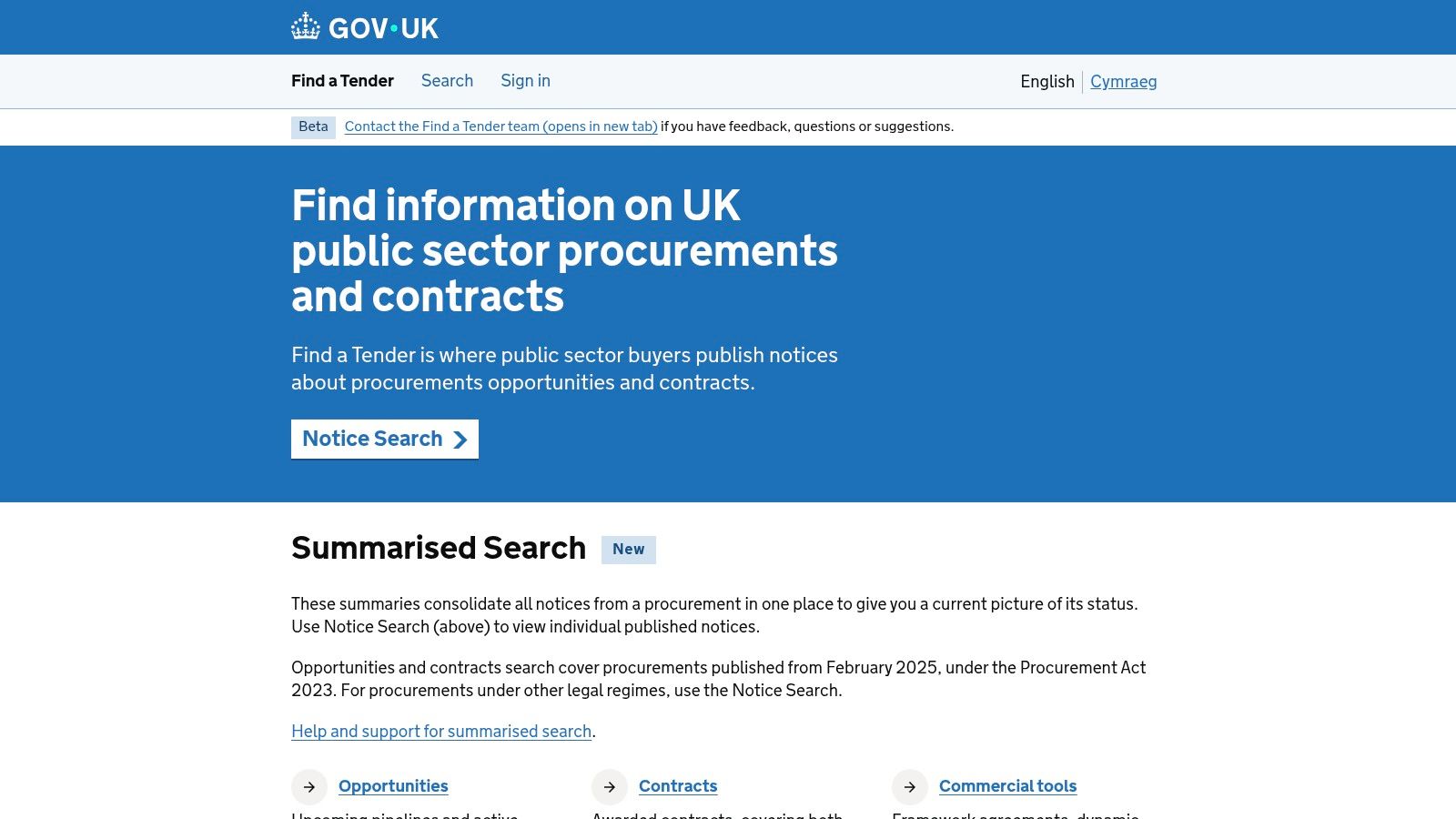
Best for broad discovery and core supplier registration. Find a Tender should be your main national starting point, then your search widens to devolved, sector and buyer-side systems.
The service became the UK's central digital platform when the Procurement Act regime took effect on 24 February 2025, with expanded lifecycle notices and reusable supplier information, as explained on the official notice-search service. Its coverage runs across the procurement lifecycle: planned procurements warn you early, live notices start the clock, and awards show who won before you.
Where it helps and where it stops
Search by sector, region and value, set alerts, and keep core business details ready for relevant procurements. That cuts repeated supplier-data entry. The tender pack still decides everything: documents, clarification questions, lots, deadlines and the address for submission can sit on a buyer's own eSourcing portal.
- Strength: Free, authoritative access to procurement notices across a broad market.
- Limitation: A notice can point you elsewhere for the actual bid.
- Practical move: Record the notice reference, submission address and relevant lot together.
Keep supplier credentials distinct from written answers. A registration profile establishes who you are; bid-writing software handles the separate job of drafting the response against the notice.
Treat commercial supplier directories separately from procurement notices: suppliers vetted by American Additive Manufacturing can sit in partner research, while eligibility and submission rules still come from the buyer's tender pack.
2. Contracts Finder
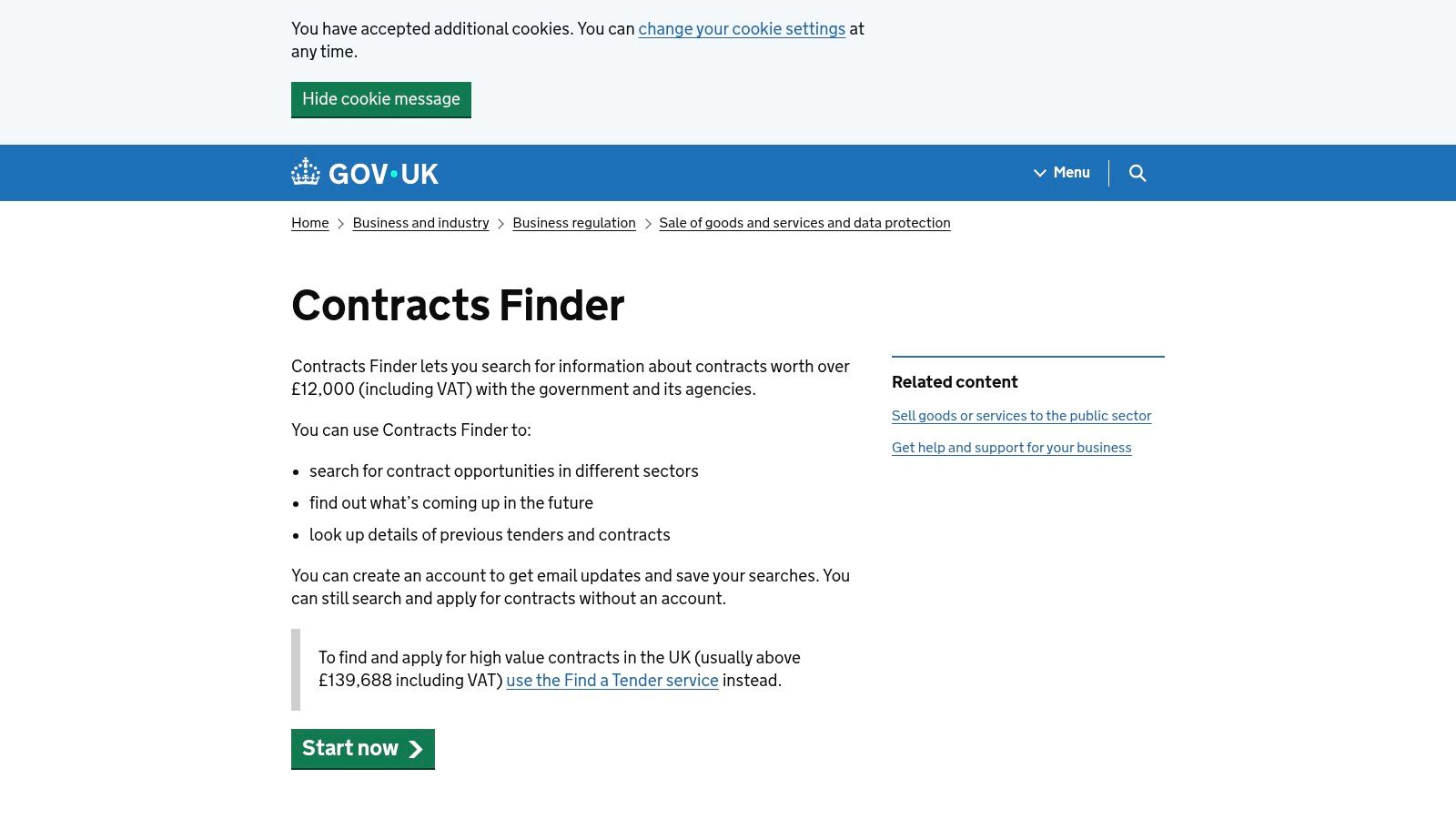
Start with the procurement stage, not just your keyword. Contracts Finder contains opportunities, future opportunities and previous awards, so an apparently relevant result may be useful intelligence rather than work you can bid for.
The government's Contracts Finder service covers contracts worth more than £12,000 including VAT with government and its agencies. It's particularly useful for lower-value discovery and researching purchasing history alongside Find a Tender.
You can browse without registering. An account adds saved searches and email updates, while filters help narrow results by location, value, industry classification and procurement stage.
Separate bidding from buyer research
For live work, check the closing date and follow the instructions to the submission system. For historical awards, record the buyer, scope, incumbent and procurement route in a separate research pipeline.
- What works: Free access, straightforward searching and useful award information.
- What doesn't: Treating every matching notice as an open competition.
- What to save: The original notice and the buyer's actual tender-document location.
Say you supply grounds maintenance. An award notice may help you identify a council's existing arrangement, but it doesn't establish when or how that council will next compete the work.
Use a consistent tender workflow to separate opportunities worth qualifying from background intelligence. Otherwise, your bid pipeline becomes a collection of interesting links rather than decisions your team can act on.
3. Public Contracts Scotland (PCS)
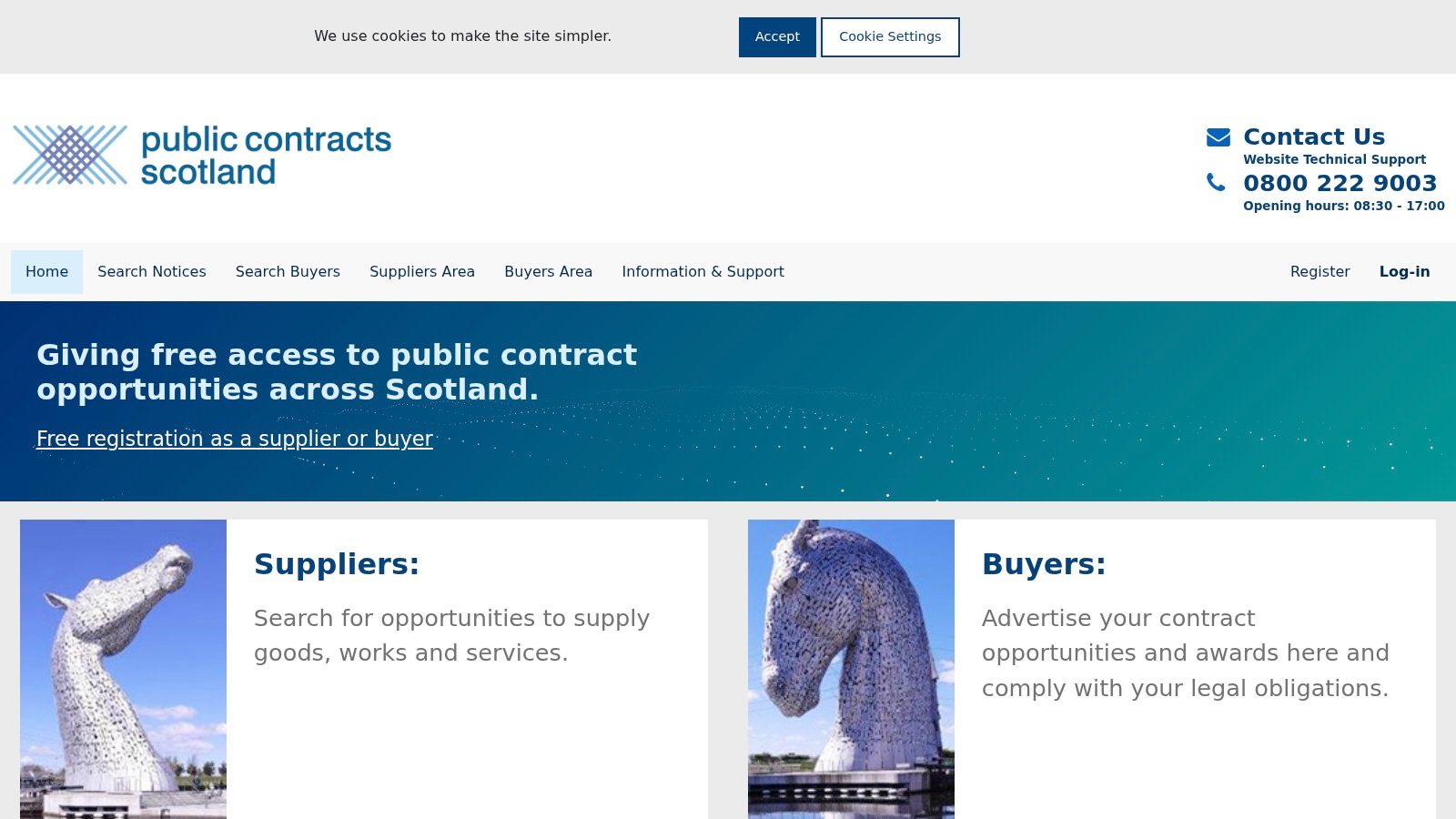
If Scottish public bodies are target customers, register directly on Public Contracts Scotland. Don't rely on a general UK search to organise your entire Scottish pipeline.
PCS combines opportunity discovery with parts of the bidding process. You can search current, future, recent and awarded notices, register for email alerts, and access documents or submit responses where the competition uses those functions.
The useful filters include buyer, keywords, reference number and procurement category. Start with the services you deliver, then inspect notices from relevant councils, NHS bodies and other public organisations.
Practical rule: Follow the response instructions on the individual notice. A familiar portal name doesn't guarantee a familiar submission route.
Free registration makes PCS an accessible entry point. Its main limitation is geographical focus, plus the possibility that a particular procurement stage uses another system.
Make the handover explicit
When you qualify an opportunity, capture where discovery ends and bidding begins. Record the document location, clarification channel and response route in your bid record.
For a facilities-management tender, check the required delivery locations before committing writing time. A good service match can still be commercially wrong if your staffing and mobilisation arrangements don't support the geography.
Keep Scottish delivery examples easy to retrieve in your evidence library. Relevant local coverage is more useful than a generic claim that your business can serve customers anywhere.
4. Sell2Wales
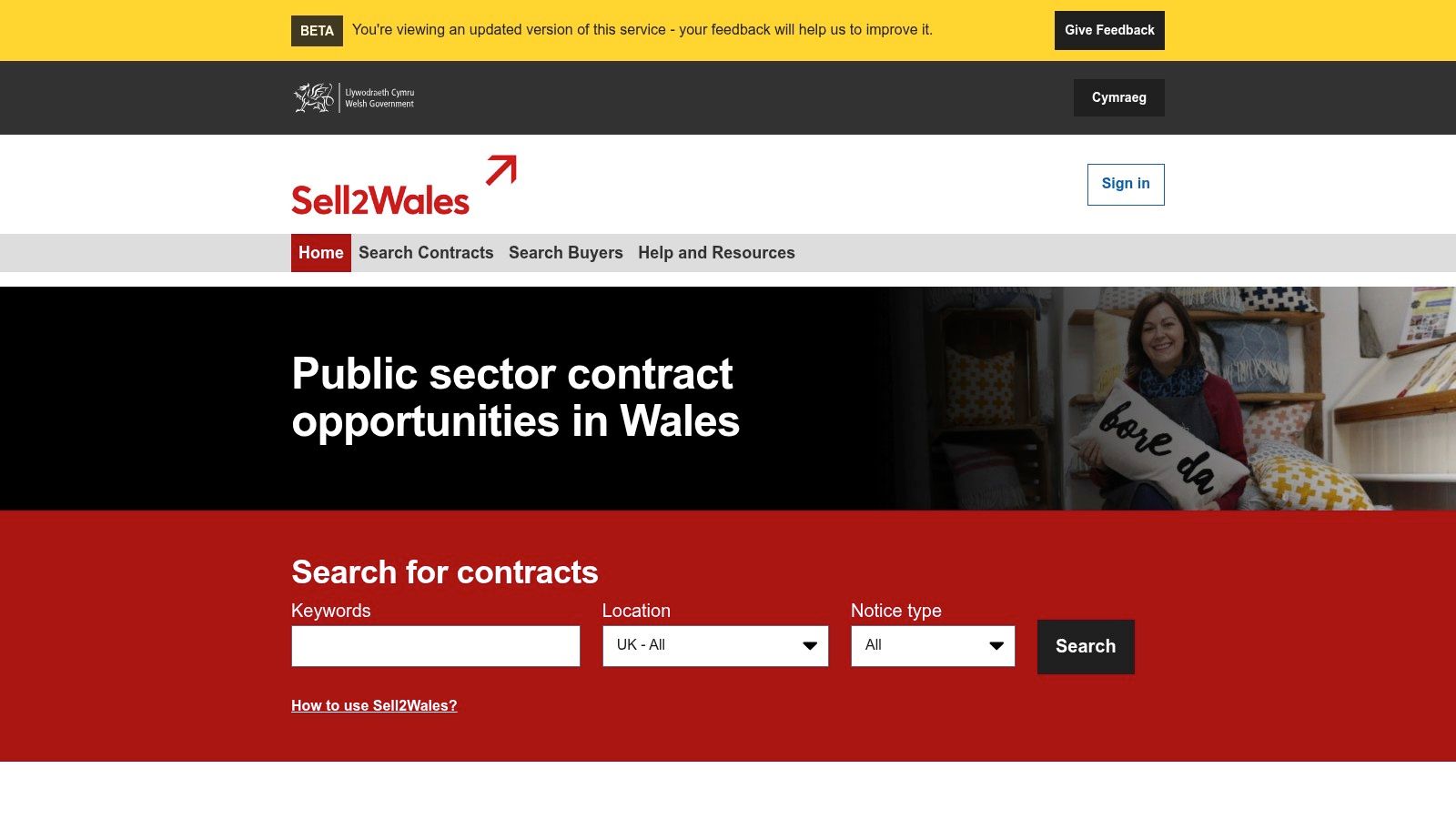
A Welsh tender alert can arrive through Sell2Wales without the bid itself being submitted there. That's the distinction to establish before you start downloading documents.
Sell2Wales is the Welsh Government's procurement portal for notices from Welsh public-sector bodies. Suppliers can register free, search opportunities and receive notifications based on their business profile and commodity categories.
Its strength is focus. If Welsh public organisations are relevant customers, category-based notifications give you a useful discovery channel without requiring a UK-wide search for every opportunity.
- Discovery: Search Welsh public-sector notices and inspect the buyer's requirements.
- Notifications: Choose categories that reflect your actual capabilities.
- Submission: Follow the notice to whichever system the buyer specifies.
Avoid an overbroad supplier profile
Selecting every vaguely related category creates unnecessary screening work. A consultancy delivering cyber-security assessments shouldn't automatically treat hardware supply or general management consultancy as equally relevant.
Use category alerts alongside keywords and geography. Then qualify the specific scope, lot and delivery requirements before adding the tender to your active workload.
Sell2Wales won't replace other UK services, and the notice page may not contain the complete response pack. Its value is helping you find Welsh demand and reach the correct buyer instructions.
Keep the discovery reference attached to the submission record. When an amendment arrives, your team should be able to identify the competition without searching through separate email threads.
5. eTendersNI
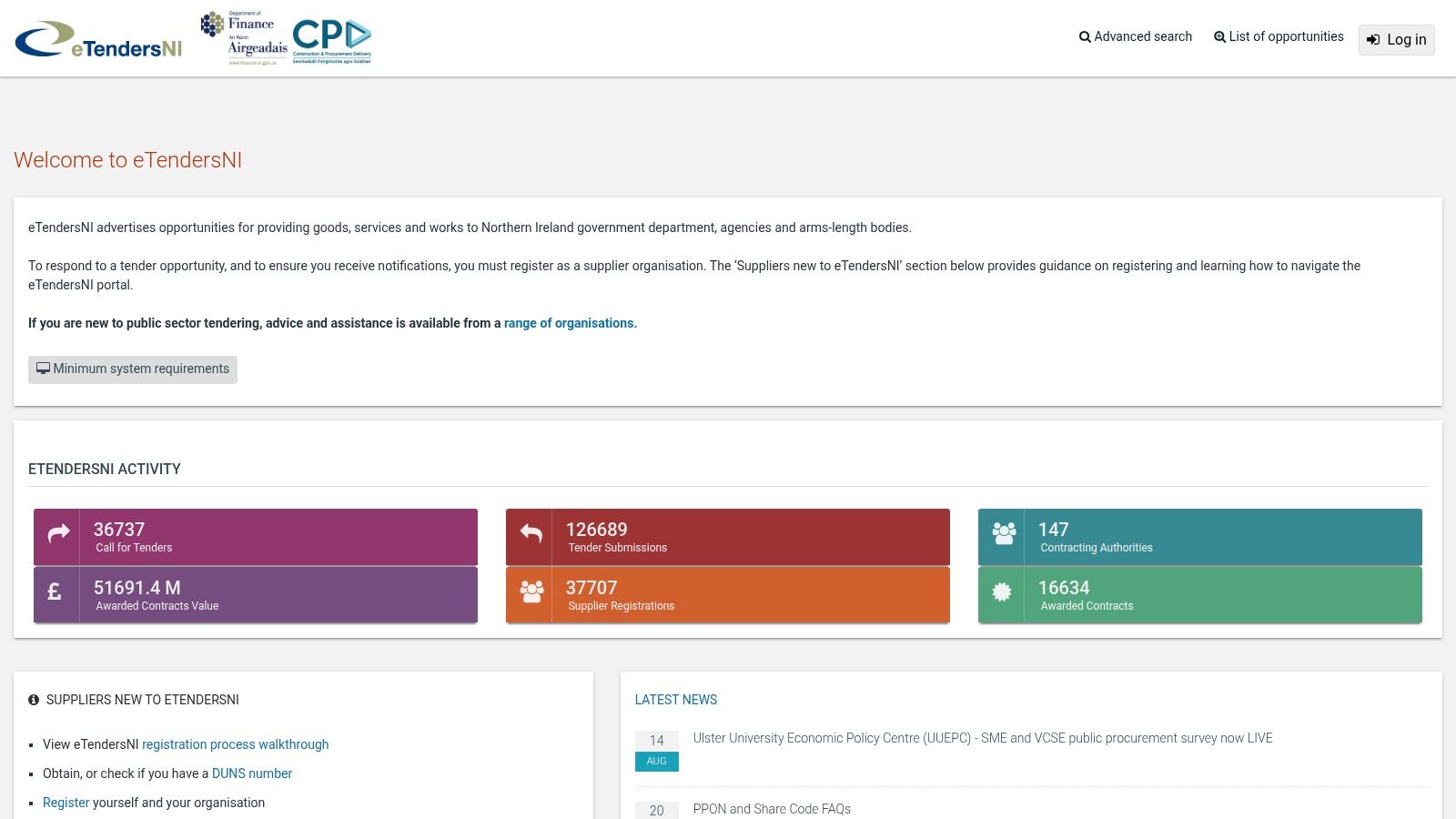
eTendersNI is a working tender system, not just a notice board. Suppliers use it to view Northern Ireland opportunities, access tender information and submit responses electronically.
That makes early registration worthwhile if Northern Ireland is part of your target market. Some competitions require an account before you can access documents or participate, and relevant procurements may also involve Central Digital Platform requirements.
Current and past opportunities support both discovery and market research. Once you decide to bid, however, concentrate on the live competition workspace, its questions and its submission instructions.
Allow for the administrative work
Official supplier guidance and helpdesk support are available. Use them to resolve account or access problems before your team is trying to finalise an answer.
- Strength: Discovery and electronic tender participation in the same procurement environment.
- Trade-off: Registration and system steps require attention before drafting begins.
- Preparation: Assign a supplier-account administrator and a backup colleague.
Check whether the buyer expects answers in online fields, uploaded schedules or both. Build your response plan around that format rather than writing a document you'll later have to dismantle.
Store your final submitted files and confirmation with the tender record. A polished draft in your shared folder isn't proof that the buyer received it.
For businesses entering Northern Ireland, delivery capacity also deserves scrutiny. Confirm who'll provide the service locally and how you'll evidence that arrangement.
6. London Tenders Portal
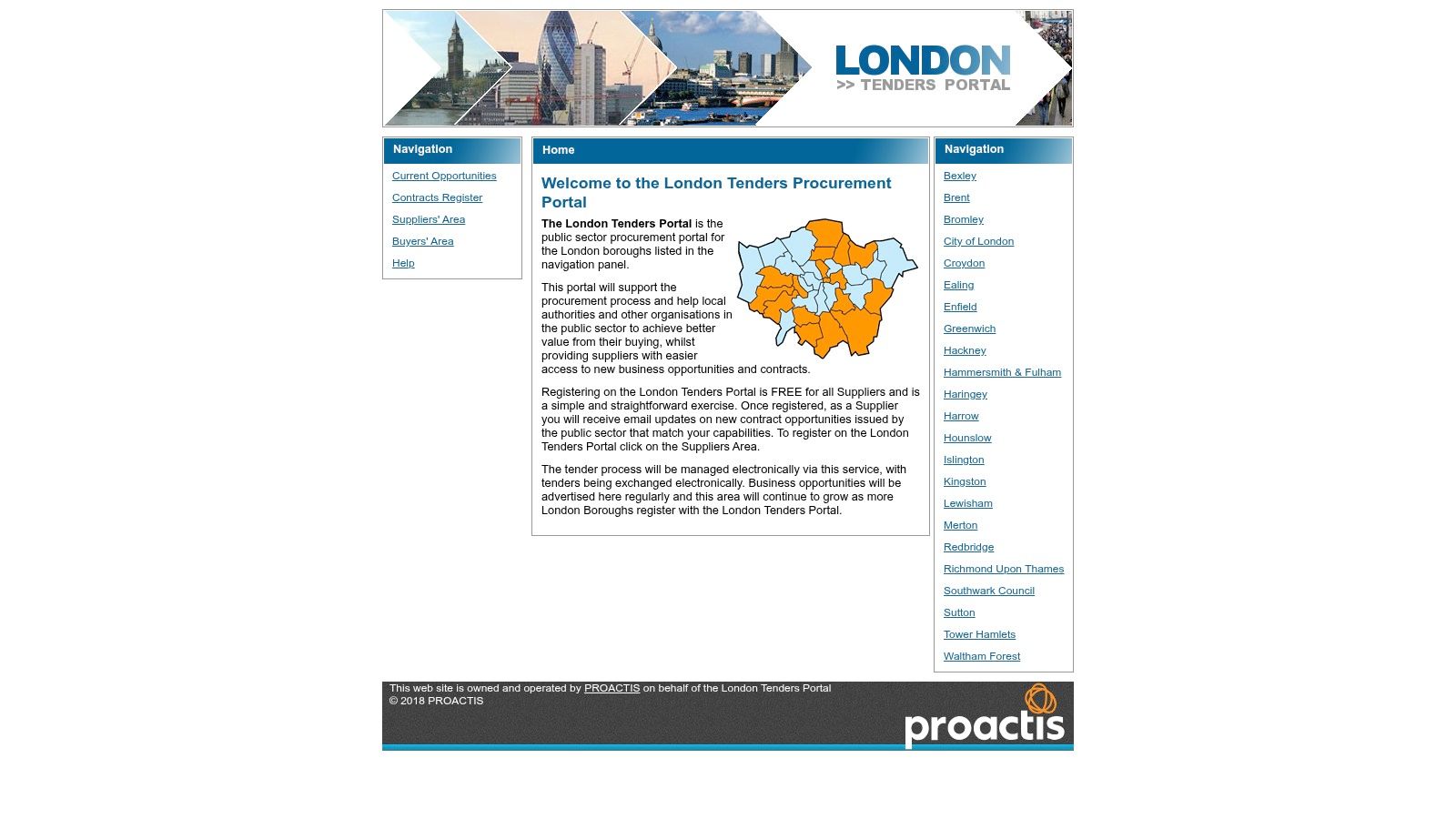
Selling to a London borough doesn't mean every relevant contract appears on London Tenders Portal. Coverage depends on participating organisations, so use it alongside national discovery services.
The portal combines free supplier registration, matching opportunity emails and electronic document exchange. Suppliers can search participating buyers' opportunities and respond through the relevant tender workspace.
That combination suits businesses pursuing local-government work. The drawback is scope: the name shouldn't be read as a complete feed of everything bought across London.
Search by the buyer as well as the service. Your target council's participation matters more than the portal's geographical name.
Qualify the delivery footprint
For services such as cleaning, maintenance or training, inspect the actual sites and service arrangements. A London address alone tells you little about travel, staffing or mobilisation costs.
Set your supplier profile around capabilities you can substantiate. Keep a separate target-buyer list so you can identify organisations whose procurement routes need additional monitoring.
Before drafting, locate the pricing schedule, specification and evaluation criteria. Check whether the buyer requires supporting policies as attachments or expects you to describe how those policies operate.
The useful trade-off: You gain a focused buyer channel and a submission route, but you still need wider monitoring. Don't mistake successful registration for full coverage of your London market.
7. Defence Sourcing Portal (DSP)
Eligibility comes before enthusiasm on the Defence Sourcing Portal. The Ministry of Defence's main advertised-contract channel supports opportunity searches, supplier profiles and participation in qualification and tender stages.
It's a specialist route for businesses pursuing MOD work. Suppliers can manage user access and consult supplier information, but each procurement still has its own participation requirements.
A matching technical description doesn't necessarily mean you can enter the competition. Some routes require membership of a framework or dynamic market before a supplier can bid.
- Check access: Establish whether the exercise is open to your business.
- Check requirements: Read the stated security, assurance and delivery obligations.
- Check your role: Decide whether prime contracting or subcontracting is commercially realistic.
Specialist access brings specialist preparation
DSP's strength is direct access to the MOD's sourcing process. Its limitation is equally clear: this isn't a general-purpose government procurement portal, and defence requirements can make qualification demanding.
Don't let a promising opportunity bypass your normal bid/no-bid review. Identify the evidence you already hold, the gaps you can close and the obligations you'd accept if awarded the contract.
Keep approvals, technical case studies and relevant credentials organised by scope and validity. Avoid treating one defence-related credential as proof that your business meets every requirement.
For a smaller supplier, a defined subcontracting package may be more workable than taking responsibility for an entire contract. Assess the route before committing your bid team.
8. Health Family Supplier Portal (Atamis)
The Health Family Supplier Portal matters most when a health tender moves from notice to working competition. Atamis supports procurement planning, tendering and supplier or contract-management activity across participating organisations, so treat it as a sector route rather than a complete map of NHS buying.
Suppliers can register and view published opportunities, although registration alone doesn't establish eligibility for a particular tender. Keep national searches and buyer instructions in your routine: a notice can be discovered elsewhere while the documents, clarifications and submission sit inside Atamis.
Register broadly, qualify narrowly
A health-sector opportunity can look relevant while asking for evidence your business doesn't hold. Read the specification and evaluation model before assuming general sector experience is enough.
- Coverage: A focused route to participating NHS and health buyers.
- Support: Supplier guidance and system assistance are available.
- Limitation: Local processes differ, and not every NHS-related opportunity uses Atamis.
Say you supply appointment-management software. Separate implementation, information governance, support and integration instead of answering all four with one product description. A strong implementation example proves delivery; it does not prove a security control unless the evidence says so.
Follow the competition's communication arrangements. Account-support queries and specification questions belong in different channels, and the audit trail matters if an evaluator checks what was asked.
9. eTenderWales

Sell2Wales helps you discover Welsh notices. eTenderWales may be where you compete. Treat them as complementary services rather than interchangeable accounts.
For competitions hosted on eTenderWales, suppliers can express interest, access invitation-to-tender materials, communicate with buyers and submit responses and attachments. Follow the notice's reference and registration instructions to reach the correct exercise.
Its strength is the tender workspace. Its weakness as a standalone discovery tool is that it isn't a complete search service for Welsh public procurement.
Submission discipline: Expressing interest, saving a draft and submitting a completed response are different actions. Check which one you've actually completed.
Reconcile documents before writing
Download the tender pack and identify the latest versions of the specification, questions and pricing schedules. Keep clarification responses alongside them so writers don't work from superseded requirements.
Check how the buyer wants attachments named and where answers belong. If the system requires online fields, a carefully designed standalone proposal may create extra work rather than help.
Pre-registration removes an avoidable obstacle, but familiarity matters too. Know who can access the workspace and who'll perform the final submission.
Use the portal's buyer-communication function for tender questions where instructed. Keep technical access issues separate, and retain the final submission confirmation with your bid files.
10. Crown Commercial Service (CCS) eSourcing Suite
A CCS procurement notice and a CCS tender event aren't the same thing. You may discover the opportunity elsewhere, then enter the Crown Commercial Service eSourcing Suite to access documents and participate.
Registered suppliers can work through tender exercises, submit responses and exchange clarification messages. The system supports sourcing activity from market engagement through post-award management, with registration and helpdesk support.
It's particularly relevant to suppliers targeting central government frameworks and purchasing arrangements. It isn't a universal UK opportunity-search portal.
Confirm the route into the competition
Distinguish a competition to join a framework from a buying exercise under an existing arrangement. Being able to view information doesn't necessarily mean your business has the required access.
- Strength: Direct participation in hosted CCS procurement exercises.
- Limitation: You may need another discovery service to find the initial notice.
- Preparation: Read the lot structure and participation conditions before allocating writers.
The Crown Commercial Service buyer overview can support buyer research, but the live procurement documents govern your response. Keep your qualification decision tied to those documents.
Check the commercial schedules as carefully as the quality questions. Framework scope, pricing commitments and contract terms affect whether the opportunity is worth pursuing.
Once you proceed, allocate owners for the response, pricing and submission. Shared responsibility without a named submitter is an unnecessary risk at the end of a bid.
UK Government Procurement Portals at a Glance
| Portal | Coverage | Free to register | Supports bid submission | Best for |
|---|---|---|---|---|
| Find a Tender, UK Central Digital Platform | UK-wide public procurement notices | Yes | Sometimes; submissions may use another system | Broad UK opportunity searches and supplier information |
| Contracts Finder | UK government and agency contracts | Yes; account optional | Usually no; bids may use another system | Lower-value contracts and researching buyer history |
| Public Contracts Scotland (PCS) | Scottish public-sector opportunities | Yes | Yes, for competitions run through PCS | Suppliers targeting Scottish public bodies |
| Sell2Wales | Welsh public-sector opportunities | Yes | Varies; follow each notice's instructions | Discovering Welsh tenders and receiving category alerts |
| eTendersNI | Northern Ireland public-sector opportunities | Registration required for some competitions | Yes | Finding and responding to Northern Ireland tenders |
| London Tenders Portal | Participating London boroughs and public organisations | Yes | Yes, for participating buyers | Suppliers targeting London borough contracts |
| Defence Sourcing Portal (DSP) | Ministry of Defence contracts | Yes | Yes | Suppliers pursuing MOD and defence work |
| Health Family Supplier Portal (Atamis) | Participating NHS and health organisations | Yes | Yes, for relevant tenders | Suppliers targeting NHS procurement |
| eTenderWales | Some Welsh procurement exercises | Yes | Yes | Accessing documents and submitting responses for Welsh tenders |
| Crown Commercial Service (CCS) eSourcing Suite | CCS procurements and related customer activity | Yes | Yes | Suppliers targeting CCS competitions and frameworks |
Building a Search Routine That Covers Everything
Start with the free discovery portals. Register on Find a Tender and Contracts Finder, then add Public Contracts Scotland, Sell2Wales and eTendersNI according to your delivery footprint.
Set alerts using CPV codes, keywords and region, rather than relying on a broad service description. Add buyer and value filters where useful, then separate planned procurements, live tenders and historical awards.
Build coverage without creating noise
More alerts don't automatically create a better pipeline. The Home Office SME action plan identifies lack of opportunity awareness and insufficient preparation time as barriers, which makes early qualification more useful than an overflowing inbox.
Pre-register on submission systems your target buyers use. Keep account ownership, backup access and tender-specific instructions together, and check live competition messages rather than assuming your discovery alert contains every update.
- Qualify first: Check eligibility, lot scope, delivery geography and commercial exposure.
- Prepare evidence: Maintain current policies, credentials, case studies and approved answers.
- Control submission: Assign an owner, review the final files and retain confirmation.
The Competition and Markets Authority's procurement reflections highlight barriers including financial thresholds, unclear requirements and bidding burdens. If a condition appears disproportionate, raise a precise clarification question and ask the buyer to explain its rationale before committing substantial effort.
Plan for compressed response periods
Early notices deserve attention. Under the planned procurement notice guidance, a qualifying notice can allow a tendering period of 10 days or more.
Don't treat the published deadline as your starting signal. Use advance visibility to assess fit, identify partners and prepare evidence before the live tender arrives.
Checking multiple portals and then writing the response takes time. Bidwell's tender monitoring covers Find a Tender, Contracts Finder, Public Contracts Scotland, Sell2Wales and eTendersNI, with daily alerts matched to sectors, frameworks and CPV codes. Its knowledge base holds credentials, case studies and past answers, while AI response generation drafts against the actual tender. Discovery is a £10-a-month add-on, and the platform can turn a 20–40-hour writing task into 2–4 hours of review and refinement.
Start with the free portals, then decide whether consolidating monitoring and drafting is worth it for your workload. You still need to qualify the opportunity, verify every claim and submit the finished response yourself.
Bidwell combines tender monitoring with a reusable knowledge base and AI-generated tender responses, so discovery and drafting don't have to remain separate manual jobs. Visit Bidwell to find relevant public-sector opportunities and prepare customized drafts for your team to review, polish and submit.


